Office
Studio Nulla
Vinohrady, Prague · 14 members
ChatAlbumInvite
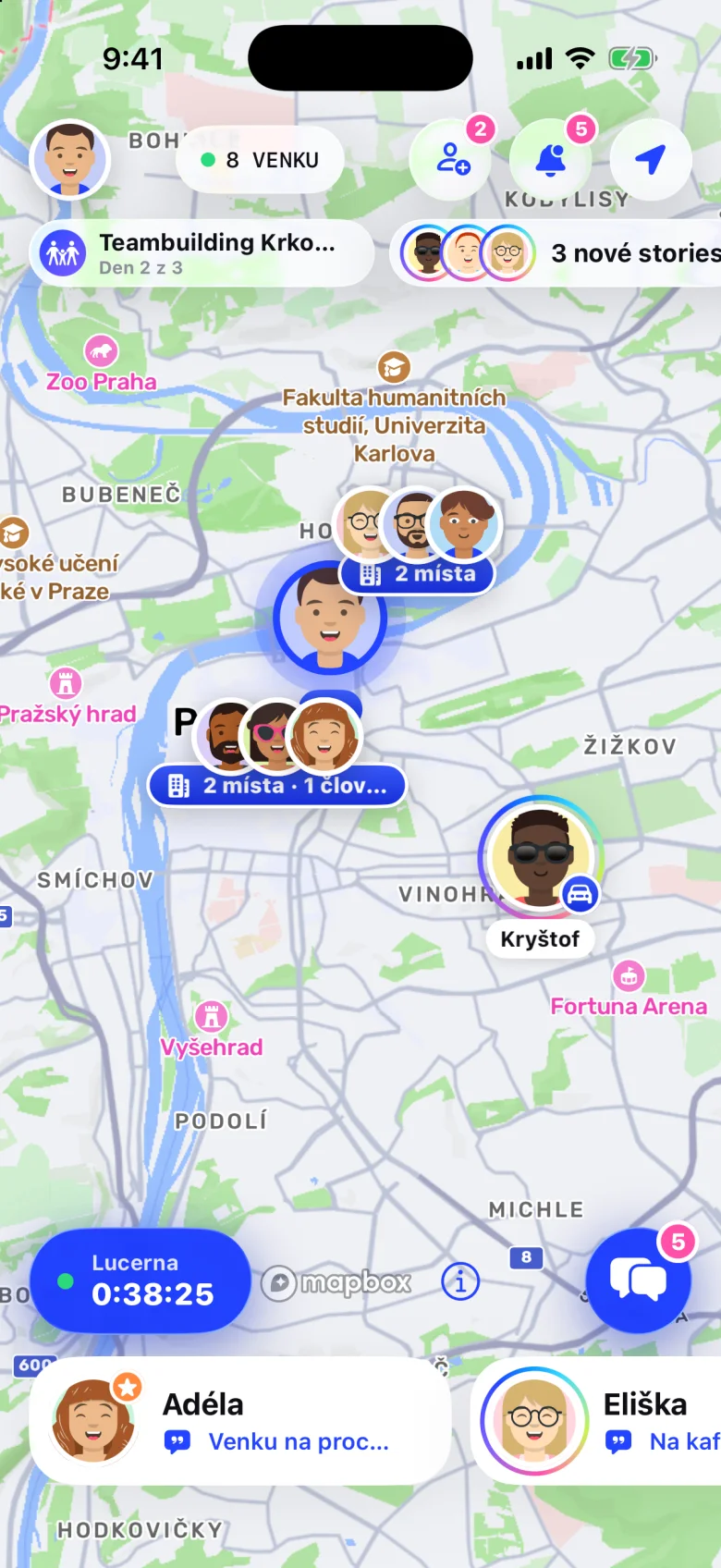
Your team, live on a map
Who's at the office, who's at the coworking space, who's in a meeting and who's already off to lunch. A drawn map, chat, stories and group trips with a shared purse. Everyone shows only what they choose to.
Map
Your team's places on a drawn map: the office, the coworking space, the client. Whoever arrives shows up there, even with the app closed. Whoever's walking or driving shows up on the way. Tap anyone and move the clock.
Places
The office, the coworking space, a school, the gym or the café you all go to. Every place has its circle on the map. Walk into it and you show up there, even with the app closed. Leave and you're gone.
Vinohrady, Prague · 14 members
Draw the place and its radius. Arriving and leaving get noted on their own.
Split a place into floors and meeting rooms. Check into a room with a tap or with Shortcuts.
Say when you're coming: all day, morning or afternoon. Up to two weeks ahead.
By code, link or QR. The admin decides whether members can invite too.
Every place has its own chat and shared photos.
Arrive and it runs, leave and it stops. Only you see it.
Bump
No codes, no searching. Open Bump, hold your phones together and Noolka connects you. Bringing a newcomer into a place is just as easy.
Sharing
Switch on what you want to show and see right away how others will see you. This is exactly how it looks in the app.
Chat
For two, for a group, for a place and for a trip. Stickers with your face, polls, voice messages, locations and reactions. And when you don't feel like typing, just wave.
Tap a sticker or wave. You can vote in the poll too.
Your avatar in twelve moods: HI!, COFFEE?, LUNCH?, ON MY WAY, PARTY and more.
When to meet, where to eat. Vote with a tap and everyone sees the result right away.
Hold, talk, let go. With a little wave so you can see how long it is.
Send where you are, once and on purpose. Nothing keeps following you.
Photos from your phone and GIFs from GIPHY, right in the chat.
Heart, thumbs up, haha, fire, applause, wow and what.
Reply to a particular message, fix a typo, delete what shouldn't have gone out.
One tap and they know you're thinking of them.
Time
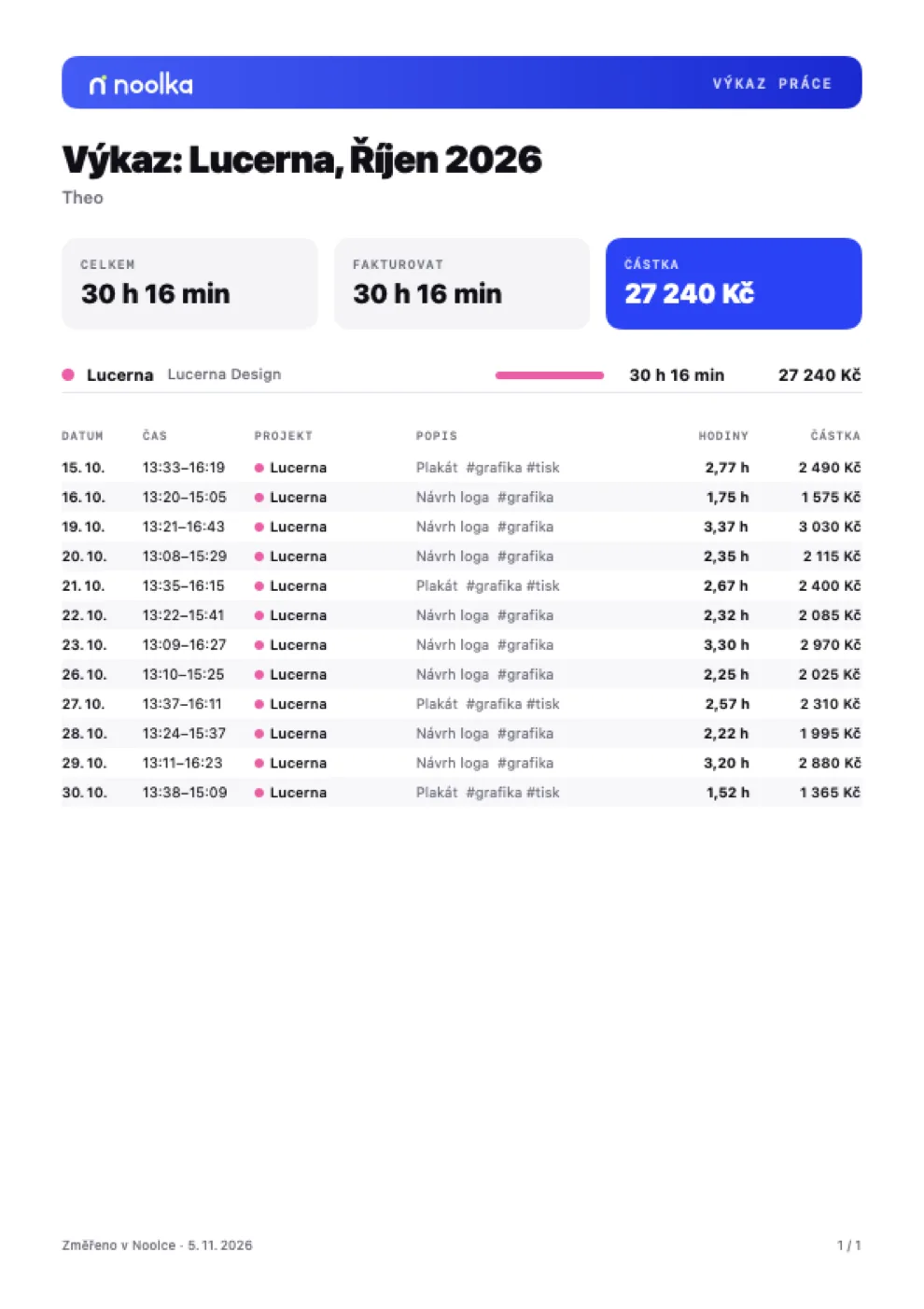
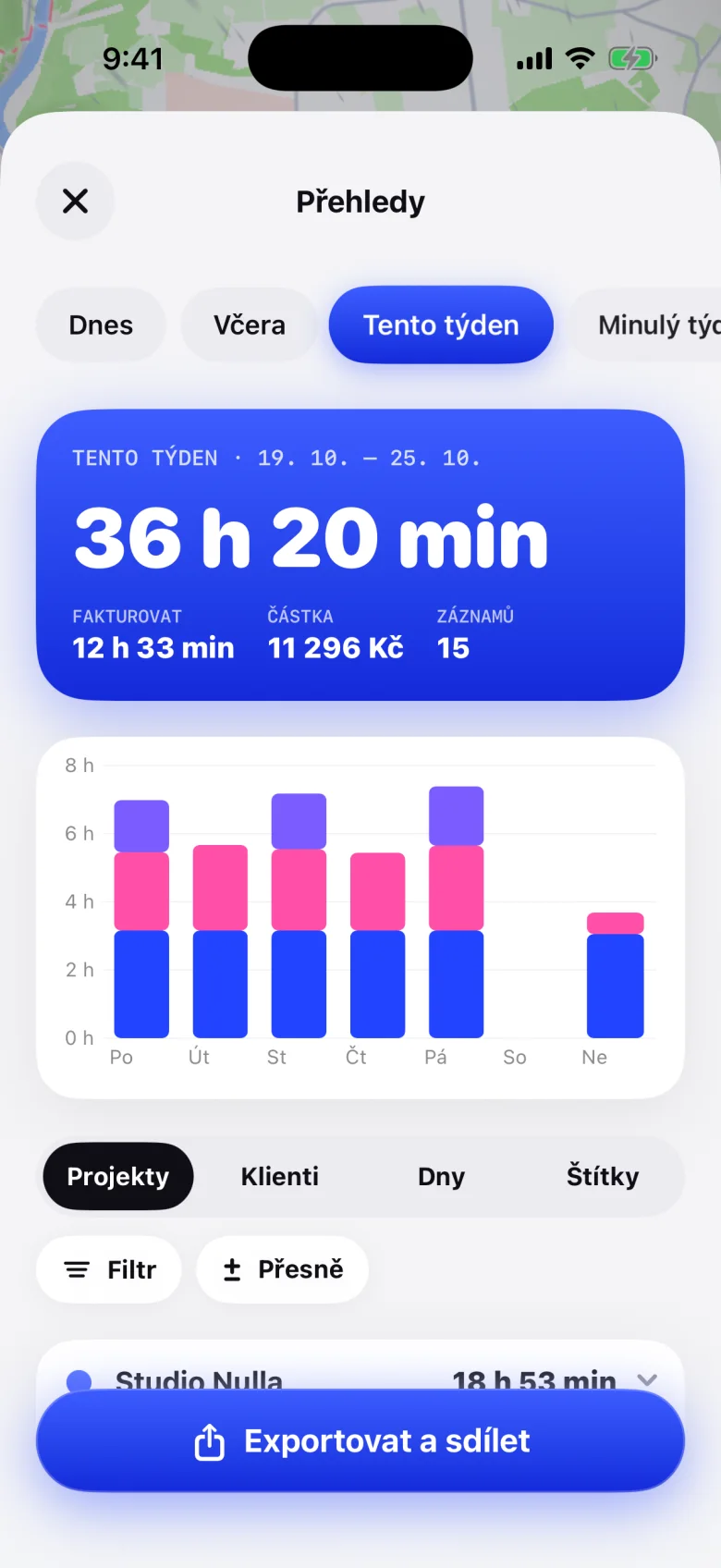
Like Toggl, with less remembering. The timer starts when you walk into the office and stops when you leave. Switch with one tap, sort with tags, and send a client the report as a PDF or a link. How much you work is yours alone.
Try it: switch to something else, move the start, stop, and type what you’re on. Tap a gap in the day to fill it in.
Tie a project to a place. Tracking starts when you arrive and stops the moment you leave, even with the app closed.
Change the project, description or start while it runs. Nothing stops; the time goes where it belongs.
Meeting, design, travel. Across projects, suggested as you type, and reports sort by them.
Your day as a column of hours. Tap a gap to fill it in; meetings from your calendar offer themselves.
A day, a week, a month or any range. Filter by project, client or tag, round to 15 minutes.
Nobody sees your entries, not even your boss. Others see at most “Working”, if you let them.
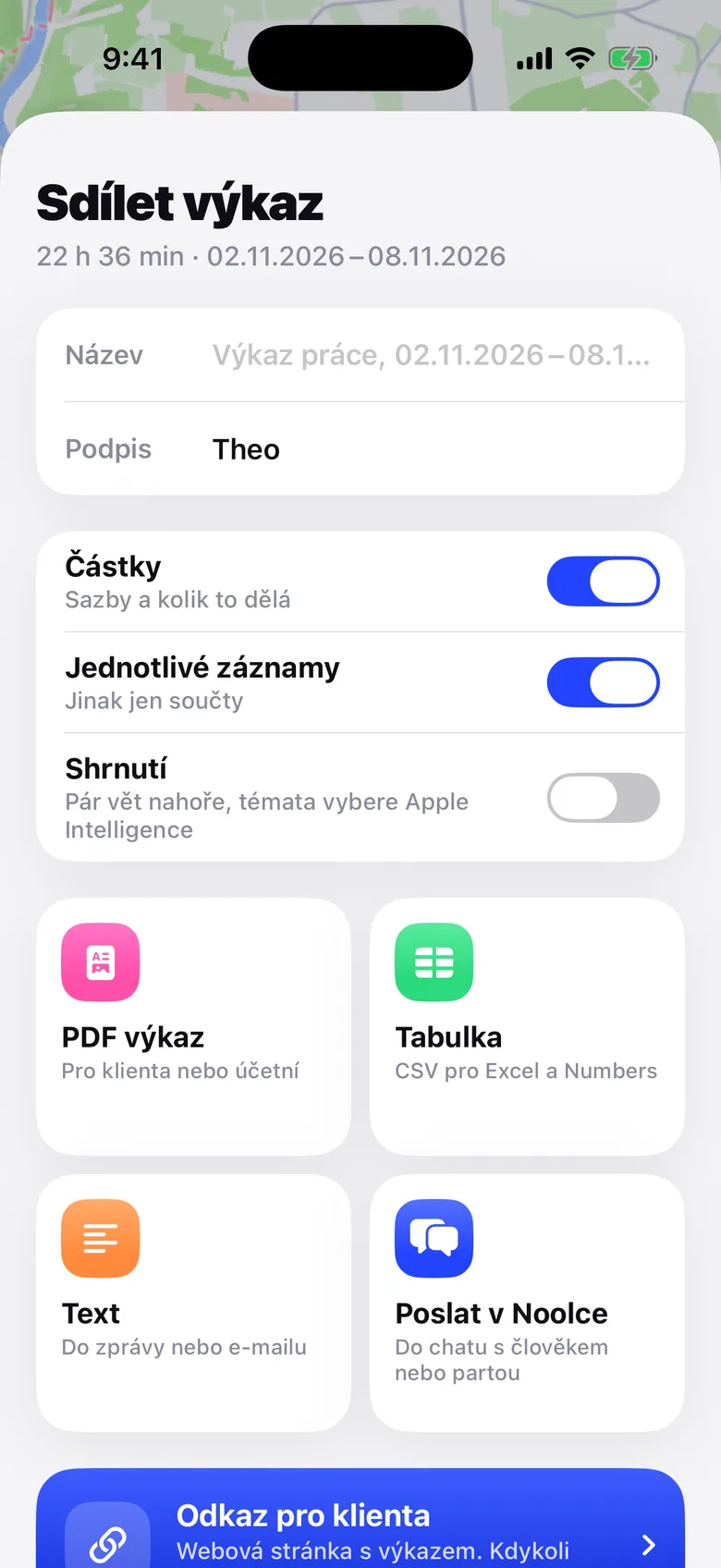
Pick the period and the client and Noolka does the rest: an A4 PDF with a table and amounts, a spreadsheet for Excel, or a link for your client. Take the link back anytime and see whether it was opened.
Connections
Your Slack status keeps up by itself with where you are and what you're doing. Teammates check who's where with /noolka. And when you turn on your Work Focus, Noolka quiets you, hides you and starts a timer.
Try what happens in Slack:
Add the Noolka filter to a Focus on your iPhone. Turn on Work and it all happens at once. Turn it off and everything goes back.
Status, /noolka, the Noolka tab, report previews.
Status, quiet or ghost, do not disturb and a timer.
“In a meeting until 11:00”. The calendar never leaves the phone.
What's playing, even with the app closed.
The song from Music, gone when it ends.
Which game you're playing and for how long.
Which app you're in, a tag on the meeting room door.
Start time, set a status, wave, by voice.
Everything stays off until you turn it on, and only the people you allow see it.
Features
Avatar
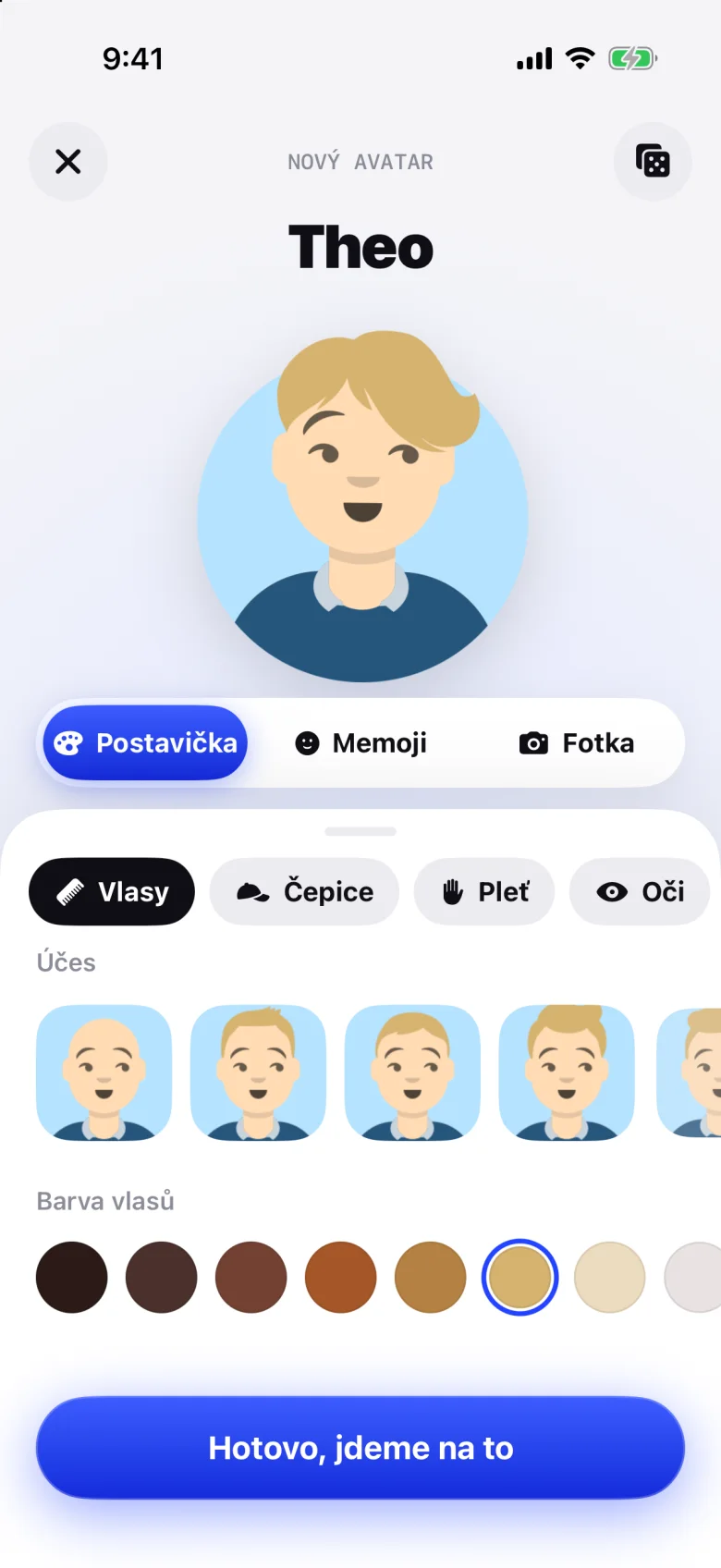
Build a character from hairdo to hoodie, take your Memoji straight from the keyboard, or use a photo. Your face gets framed on its own.


Stories
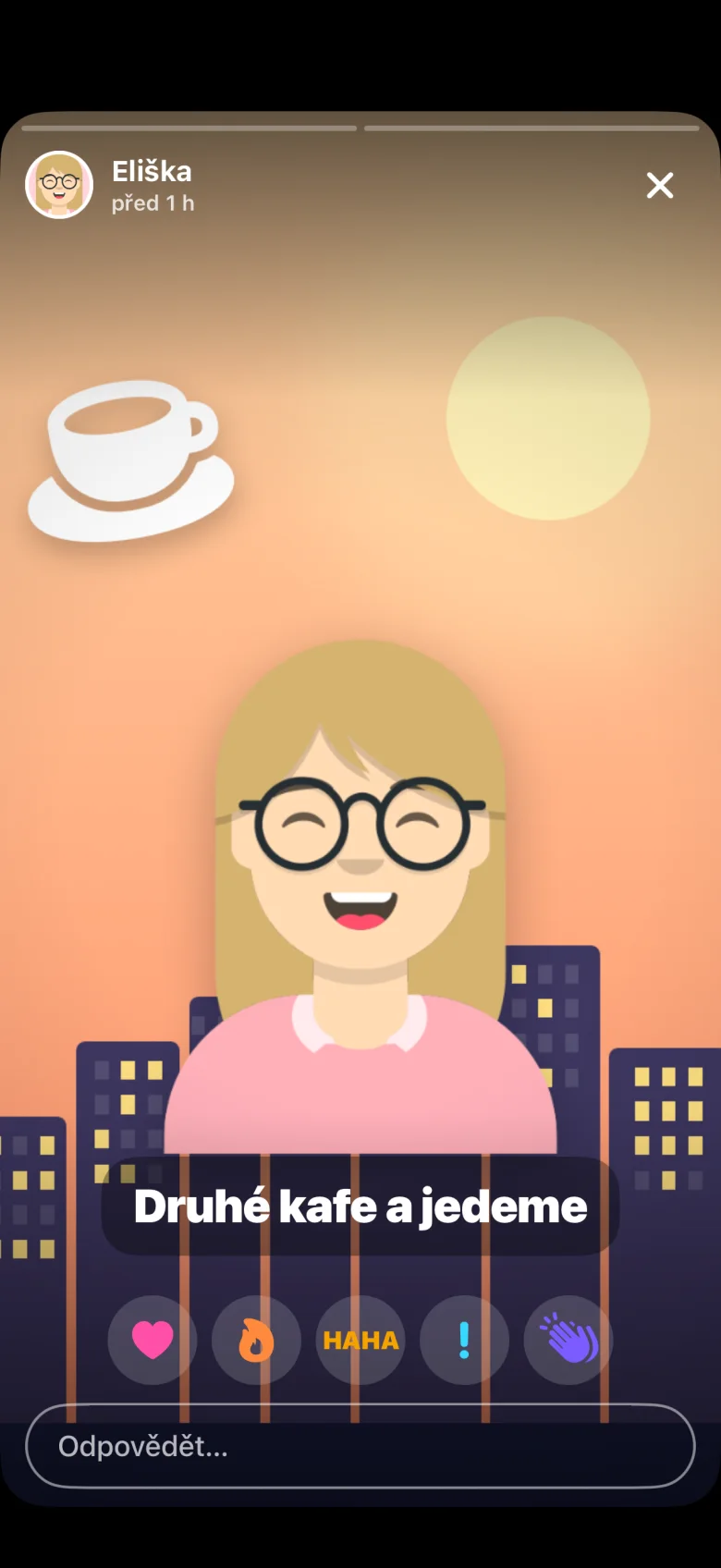
A photo with a line of text, only for the people you pick. Who saw it, only you know.
Status
A meeting from the calendar, the way there, battery, music. Everyone picks what to show and to whom.
EliškaIn a meeting until 11:00 MatějWalkingKryštofDrivingBára12 % battery
 TomášListening to music
 VáclavWorking
Siri and Shortcuts
Start, stop and check today by voice. Turn it into an automation in Shortcuts.
Notifications
A friend walking by, a coworker at the office, someone waving at you. Mute whatever you don't care about.

Trips
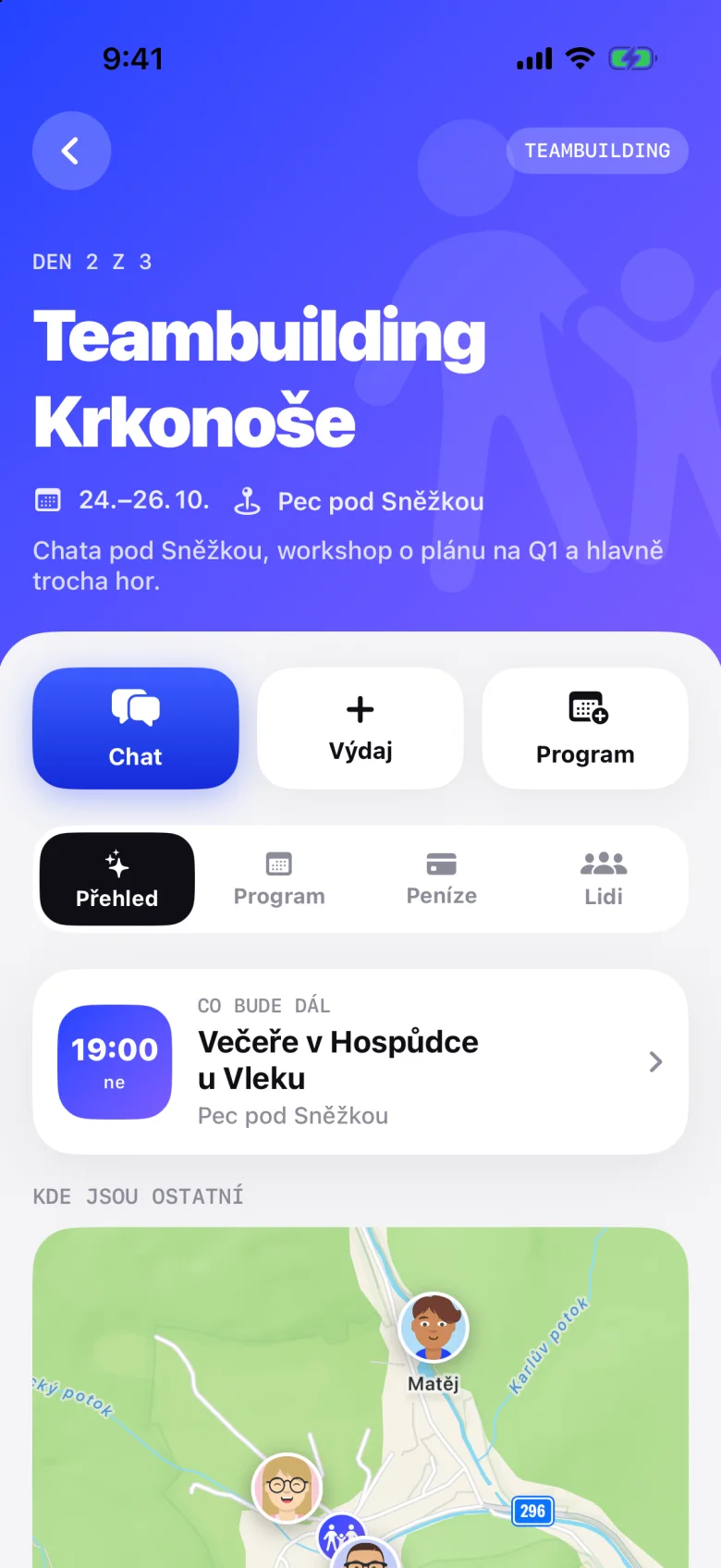
A trip has its own chat, programme, map and shared purse. During the trip, only what each person switches on is shown. Once you're back, nothing.
A group just for the people going. Leave the trip and you leave the chat.
When to meet, where dinner is and what's on right now.
Location, battery and the way there, only from the evening before until the end. Everyone switches on what they like.
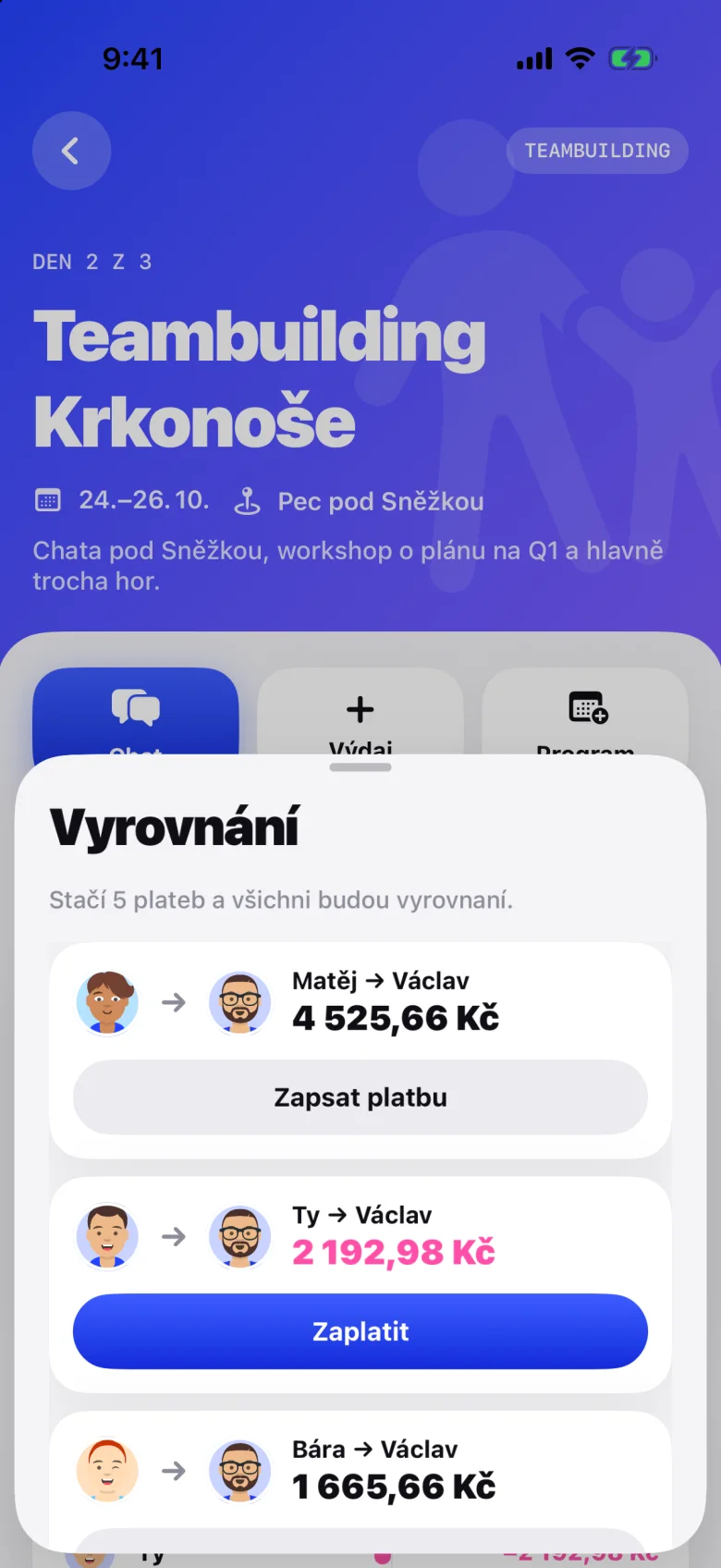
Expenses in any currency at the ECB rate, split equally, by shares, amounts or percent. Guests without Noolka too.
Weather
The forecast at the event's place day by day, and for every day in “Who's coming”. Only a position rounded to 10 km leaves the phone.
Tap an expense to leave it out. Noolka works out again who sends whom how much.
What each person paid, minus their part.
Tickets for Apple Wallet
A concert, a workshop, a team trip or a membership card. Design the pass, hand it out, and at the door just scan. With a Noolka event or without one.
Design a pass:
Straight into Noolka for people in it, by link for everyone else. From a list of names, without names, or everyone in the event.
QR, Aztec, PDF417 or a barcode. Noolka makes them up, or you paste your own from another system.
Green lets them in, orange says when they already did. The check-in reaches their Wallet too.
Change the time or the venue and the pass in Wallet updates with a notification. At the venue it shows up on the Lock Screen.
Black hole
Quick notes, thoughts and links. One tap in the corner of the map, type, and throw it into the hole. Beyond the horizon they wait until you pull them back. They stay on your phone only.
BEYOND THE HORIZON
Apple Intelligence
Noolka uses Apple Intelligence right on your iPhone. None of it leaves the phone, not even to us. The app works out the numbers, names and dates; the model only sorts and condenses.
Tasks, ideas, shopping, reminders and links. With a filter on top.
Twelve unread? One tap and you know what was said and whether anyone's asking you.
A few sentences on top: where the time went, the main themes, the longest day. In the PDF, the text and the link.
On iPhones with Apple Intelligence. Elsewhere these simply don't show up.
Privacy
You decide who sees what. The rules aren't kept by the app but by the database, so nobody gets around them. Not even a place's admin.
Tap the coloured words. This is exactly how you set it in the app, separately for friends and for coworkers.
What you haven't allowed never leaves for anyone else. The app doesn't hide it; the database simply won't hand it out.
A place's admin sees exactly what other coworkers see. How much you work, nobody sees.
We keep only your latest location. Where you've been, we don't store.
Ghost mode hides you from everyone. Quiet hours hide you every evening on their own.
Coworkers who aren't also friends see you only at the places you share. The rest of the day you're not on their map.
Data is stored in the European Union. We sell nothing. Delete your account in the app and download your data as a file.
Who it's for
Part of the team at the office, part at home, someone at a client. You know about each other without the morning round in the chat.
Members see who's here and in which room. A newcomer finds people, not empty desks.
Business trips, offsites and teambuildings, money included. Who owes whom, Noolka works out.
FAQ
Only what you show coworkers. And by default, coworkers see you only at the places you share with them. A place's admin has no extra rights and can't make you share anything.
No. Chat, trips, stories and places all work without it. With location on, others see you on the map when you want them to, and the timer starts on its own when you arrive.
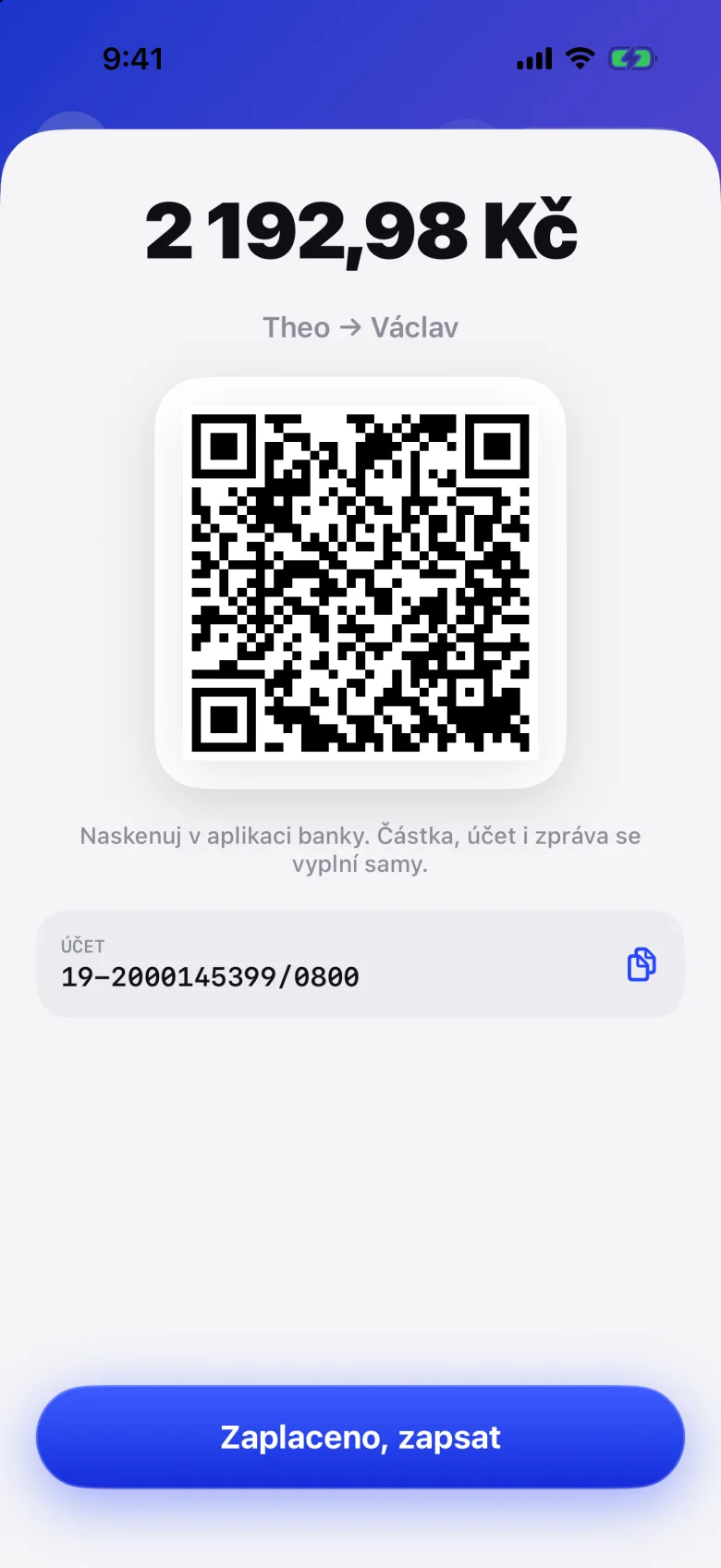
Only what you switch on for that trip, and only from the evening before it starts until it ends. The bank account for QR payments is visible only to the people on the trip.
In a database in the European Union. Delete your account in the app, under your profile, and everything that belongs to it goes with it. You can download a copy of your data as a file first.
Just iPhone for now. Android and the web are on the way.
16 or older.
Add a place, send people a code, and a minute later you see each other.